
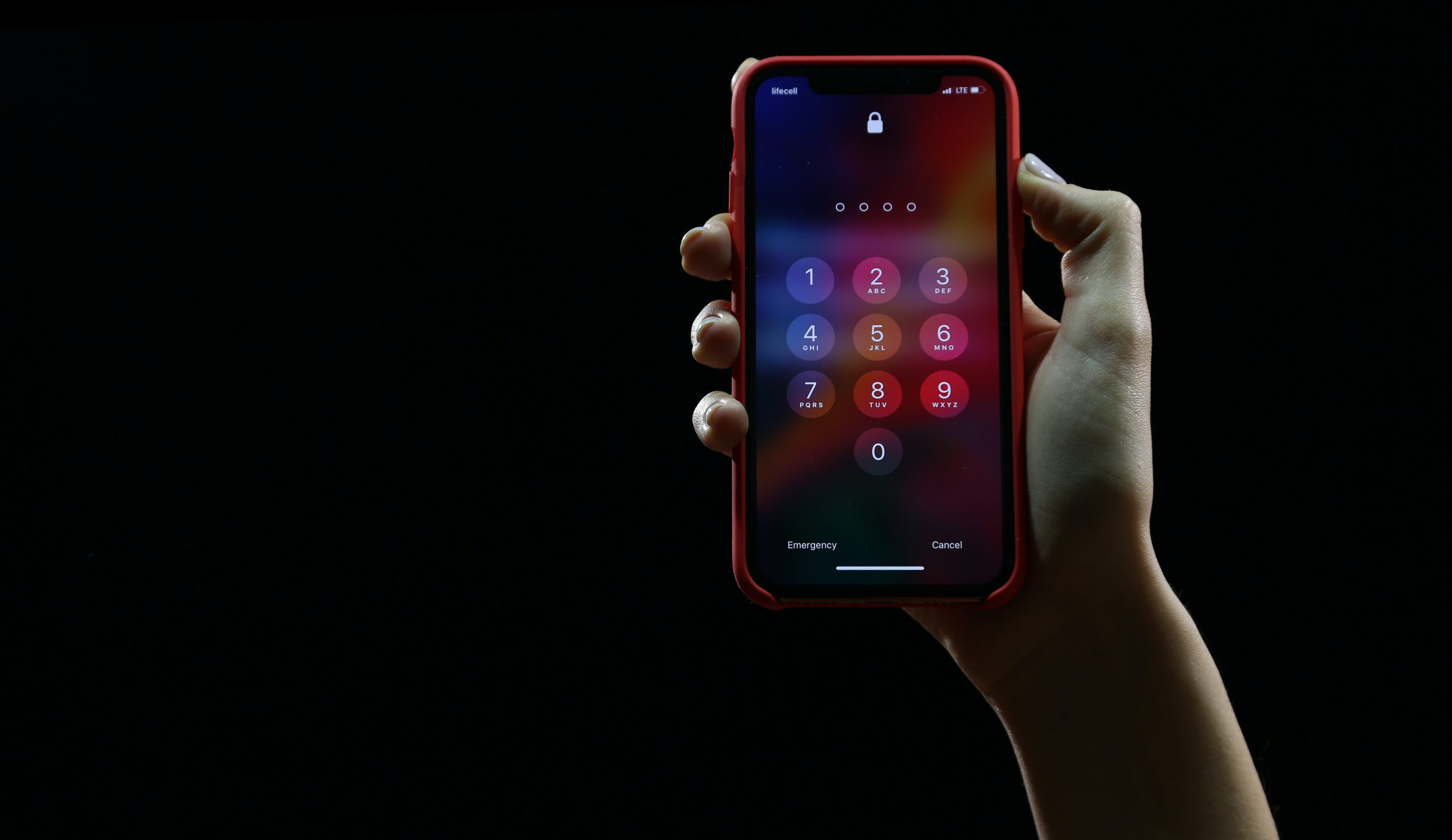

I’ll spare you the cliché spiel about how passwords are the unsung heroes of cybersecurity – we all know they’re important. Instead, let’s cut to the chase. What you might not know is the nitty-gritty of what to do and what not to do when creating your digital gatekeepers.
Would You Care if Someone Broke in to Your Home?
Seriously…would you? I’m going to assume that you would. Of course you would, all your cool stuff is there, it’s your sanctum. You care so much about making sure that the only people that have access to your home are those that you’ve authorised. You take care to lock your door every single time you leave the house. An important point that everybody just automatically understands is that it’s their house, they live in it, so it’s their responsibility to do the basics to make sure it’s protected. Sure, you can take upon yourself to put up CCTV cameras or install a smart lock where you don’t have any keys, you unlock the door with your fingerprint – but those are extras. The point is, everybody just knows to lock the doors when they leave, and don’t leave the windows open when they’re not home etc.
Through our experiences, we’ve noticed that many individuals (and you might find yourself among them, although we hope to change that by the end of this post) may not approach the security of their online accounts with the same diligence they apply to other aspects of their lives. Whether it’s their Microsoft 365 work account or their personal Google account, the tendency often leans heavily towards convenience rather than security. There’s a common sentiment that it’s someone else’s responsibility to ensure security, be it Google mandating the use of MFA or Microsoft imposing specific password strength requirements – somebody else make it secure, while I go do what I need to do.
So, the analogy I’d like to draw is that in the way that your home is where all of your physical belongings that you care about are, your online account is where your digital belongings that you care about are i.e. your emails, messages, files, photos etc. Protect them with the same level of dilligence and attitude and security becomes much easier!
Avoiding the Obvious
Passwords like “password123” or your streetname, children’s names or birthdates, while a cute sentiment, are the low hanging fruits for cyber intruders. Using a password like this is like leaving your front door ajar when you leave the house and expecting no one to sparta kick the door and waltz in.
If you’re not using MFA (Multi Factor Authentication), chances are you either one of these people:
- You know what it is but are choosing not to use it because it’s annoying having to get your phone out to log in
- You don’t know what it is
If you’re the former then I’m sure you’ve heard about why MFA is useful so I’ll spare you the details, you already know you should have it turned on. What I will do though, is promise you that the momentary hassle of entering your MFA code is far preferable to having to deal with the aftermath of having your account breached.
If you’re the latter, then here’s a really informative video by Tom Scott about what MFA is and why it’s so useful.
Password Managers
It’s likely not news to you that you shouldn’t re-use passwords for multiple accounts. So how are you supposed to remember all these passwords? – You’re not. Password Managers are a digital safe that you store your passwords in. You only need to remember the password to your password manager, forget the other 9000 passwords. If you’re questioning the sensibility of having one password to secure all your other passwords, I get your concern. I’d encourage you to check out this article by Forbes which goes into detail about password manager’s security.
Ah the Sticky Notes
Sticky notes on monitors and passwords – a combination as classic as tea and biscuits, not as tasty though. We’re known for saying “The only place passwords should be stored are in your password manager or in your brain”. Note that sticky notes are neither of those things. By writing your password on a sticky note and sticking it to your monitor then leaving the office, the message you’re portraying is that “If I could, I’d have no password at all on my account, everybody’s welcome”. Now before you get all defensive, literally anybody in the office can walk up to your desk and read your sticky note, and then log in as you – the same way they could have just logged in as you had your account not had a password in the first place. Keep your tea and biscuits, but please ditch the passwords and sticky notes.
Strong but Lasting
The National Institute of Standards and Technology (NIST) has recommended not changing your passwords often. Yeah, you read that right. The prerequisite is that you must have a strong password first though. If your password is really strong, then it eliminates the need for frequent changes, making you more likely to remember it, if you’re not using a password manager that is, and also making having a password less of an inconvenience. Back when we had to change passwords every 30 days is what prompted people to write them down on sticky notes in the first place, because they changed so often they didn’t have a chance to remember them and a sticky note was simply the most convenient place to store the password of the month. So make your password strong, and you’ll never need to change it.
Conclusion
Just as you instinctively lock your front door, let’s make securing your digital haven as natural. Your online treasures, be it work accounts or personal spaces, deserve the same care. Embrace the digital deadbolt of MFA, let password managers be your helpful sidekicks, and say goodbye to sticky note mishaps. The NIST suggests lasting passwords, so say farewell to frequent changes. Opt for strength, wave goodbye to inconvenience, and fortify your digital home with enduring security—because your online sanctuary deserves nothing less.